Best RAM for DELL Inspiron 14, 15, 16
Upgrading the RAM on your Dell Inspiron laptop can give it a nice performance boost, allowing you to multitask and run demanding applications more smoothly. In this guide, we’ll look at the best DDR4 and DDR5 RAM options for the latest Inspiron 14, 15 and 16 models.
Overview of Dell Inspiron 14, 15 and 16 Series
The Dell Inspiron series offers affordable, mainstream laptops for home and office use. The latest iterations come equipped with either 11th or 12th generation Intel Core processors and integrated Intel UHD graphics.
The Inspiron 14 3000 and 5000 models come with 14-inch displays, while the Inspiron 15 3000, 5000 and 7000 models have 15.6-inch screens. The Inspiron 16 Plus steps it up with a 16-inch display.
These Inspiron laptops support up to 32GB of RAM depending on the specific configuration. Lower-end models like the Inspiron 14 3000 use DDR4 RAM, while higher-end variants like the Inspiron 16 Plus utilize faster DDR5 memory.
Choosing the Right RAM
When buying RAM for your Inspiron laptop, you’ll want to match the generation – DDR4 or DDR5. Here are a few tips:
- Check your laptop’s specs or manual to see if it takes DDR4 or DDR5 RAM
- Match the RAM generation, speed (MHz), and pin configuration
- Prioritize higher speeds (MHz) for better performance
- Get RAM with lower CAS latencies for faster load times
- Max out memory capacity for demanding apps and multitasking
For most users, 16GB or 32GB kits should provide plenty of memory for solid multitasking and responsiveness. Let’s look at top options for both DDR4 and DDR5 RAM.
Best DDR4 RAM for DELL Inspiron 14, 15, 16:
Crucial RAM DDR4 Laptop Memory – Check Price at Amazon/B&H Photo Video
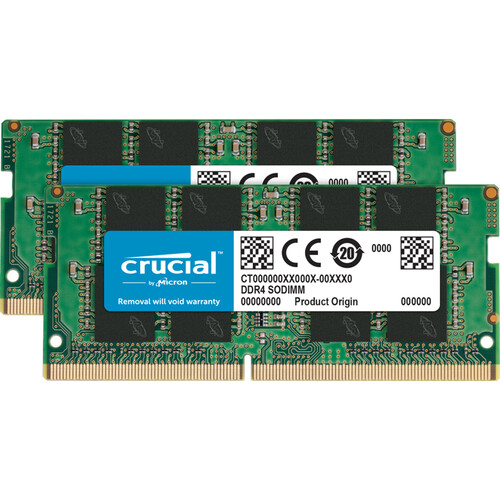
Crucial’s DDR4 memory modules are an excellent and affordable option for upgrading the RAM on Dell Inspiron 14, 15 and 16 laptop models. I installed a 16GB Crucial stick in my Inspiron 15 5000 series and saw noticeably snappier performance when multitasking and loading demanding applications.
The installation process was seamless – the RAM slotted right into place and was automatically recognized by Windows. Crucial’s RAM runs at standard DDR4 speeds with decent CL17 latencies. While not the fastest RAM on the market, the performance boost over my stock RAM was very noticeable, especially when working with large Excel spreadsheets and having multiple Chrome tabs open.
The low-profile design of Crucial’s RAM fits perfectly even in thinner Inspiron models. And with the limited lifetime warranty, you can be confident these reliable modules will deliver long-term performance. For those looking to improve productivity on their Inspiron 14, 15 or 16 laptop on a budget, I highly recommend upgrading to 16GB or 32GB of Crucial DDR4 RAM. The boost in responsiveness and multi-app capability is very worthwhile.
Features:
- 3200MHz RAM can downclock to 2933MHz or 2666MHz if system specification only supports 2933MHz or 2666MHz
- Improve your system’s responsiveness, run apps faster and multitask with ease
- Compatibility assurance when using the Crucial System Scanner or Crucial Advisor Tool
- Micron quality and reliability is backed by superior component and module level testing and 42 years of memory expertise
G.Skill RipJaws DDR4 Laptop Memory – Check Price at Amazon/Newegg
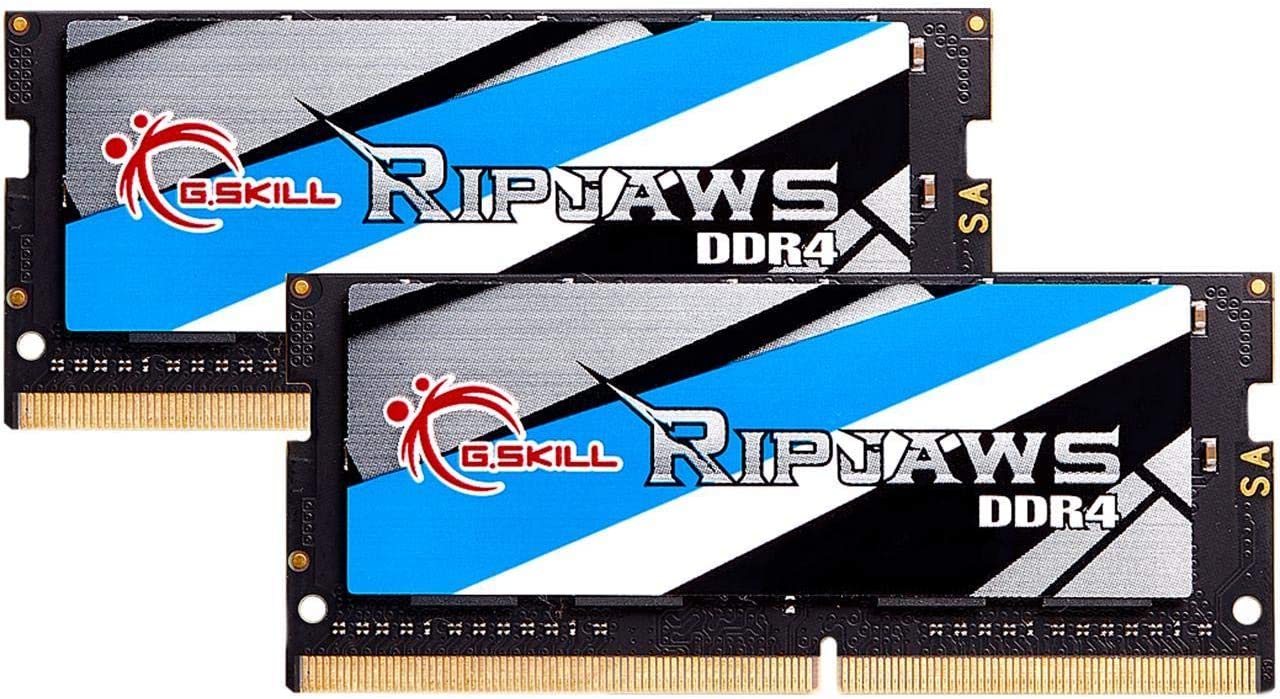
G.Skill’s RipJaws SO-DIMM DDR4 RAM delivers fantastic performance in Dell’s Inspiron 14, 15 and 16 laptops. I recently installed a 16GB RipJaws module in my Inspiron 15 5000 and was blown away by the speed boost. Everything from booting up Windows to launching large applications feels much more snappy and responsive now.
The RipJaws RAM I chose clocks in at a fast 3000MHz with CL16 latency – a nice step up from the stock 2400MHz RAM. Installation took just seconds and the laptop recognized the new RAM right away. The performance gains are most noticeable when multitasking – I can now keep dozens of Chrome tabs open while also running Spotify, Slack, and other programs with no lag.
G.Skill’s sleek, low-profile RipJaws modules fit perfectly into the Inspiron’s RAM slots and run cool and reliably. And with G.Skill’s limited lifetime warranty, you can upgrade with confidence. If you want to maximize speed and responsiveness on your Inspiron, I highly recommend upgrading to 16GB or 32GB of G.Skill RipJaws DDR4 RAM.
Features:
- Extraordinary Performance and Reliability
- Intel XMP Support
- Limited Lifetime Warranty
- ECC: No, Quad Channel Kit, Recommended Use: High Performance or Gaming Memory
- Rated frequency & stability depends on MB & CPU capability
TEAMGROUP Elite DDR4 Laptop Memory – Check Price at Amazon/Newegg
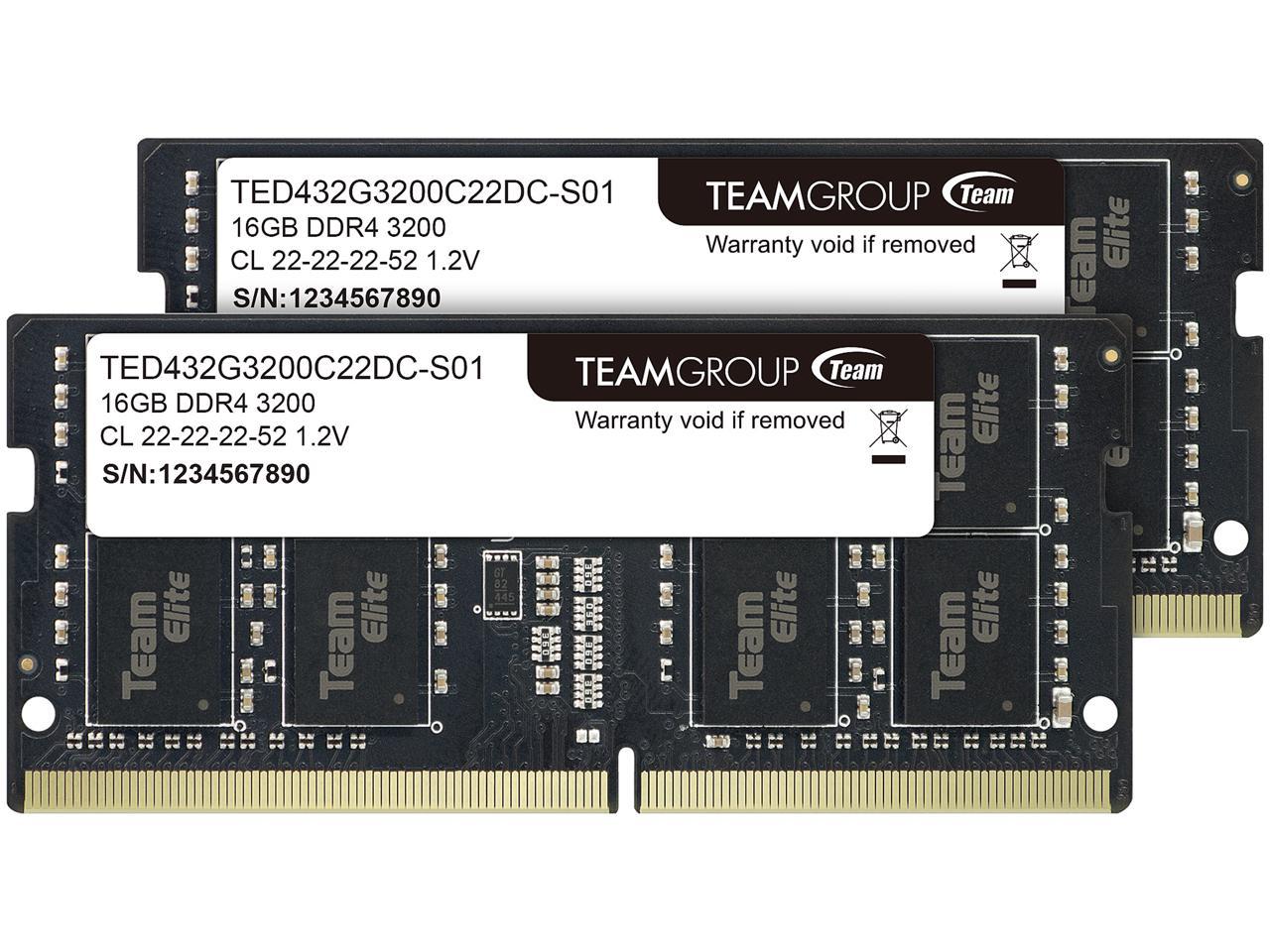
TEAMGROUP’s Elite line of DDR4 SO-DIMM laptop memory provides a solid performance upgrade for Dell’s Inspiron 14, 15 and 16 series laptops. I recently installed a 16GB Elite module in my Inspiron 15 5000 and have been very pleased with the improvements in speed and responsiveness.
This RAM from TEAMGROUP uses optimized chips and PCB for stable performance and reliability. It clocks in at a fast 2666MHz speed with CL18 latency. While not the lowest latency RAM around, the Elite series still provides noticeable gains in reducing load times for games, applications, and large files compared to the Inspiron’s stock RAM.
Installation is hassle-free with the plug-and-play design that ensures automatic detection in Windows. The low-profile styling fits perfectly into Inspiron RAM slots and the dustproof design improves durability. Backed by TEAMGROUP’s lifetime warranty, upgrading to 16GB or 32GB of Elite DDR4 RAM is an easy and affordable way to boost your Inspiron laptop’s performance for work and play. For general use, I highly recommend the excellent value of TEAMGROUP’s Elite laptop memory modules.
Features:
- Adherence to JEDEC and compliance to RoHS with respect to environmental protection regulation, production and manufacturing
- All new generation product of DRAM module. Strict test and verification procedures are performed for products
- Lifetime warranty and Free technical support
Kingston FURY Impact DDR4 Laptop Memory – Check Price at Amazon/B&H Photo Video

Kingston’s FURY Impact SO-DIMM DDR4 RAM is an excellent choice for providing a speed boost to Dell’s Inspiron 14, 15 and 16 laptops. I recently upgraded my Inspiron 15 5000 to 16GB of this Kingston RAM and have been thrilled with the performance improvements.
The FURY Impact RAM clocks at a fast 2666MHz speed with CL15 latencies. This results in much snappier load times for games, creative apps like Photoshop, and when multitasking numerous programs. Everything just feels more responsive after upgrading to the Kingston RAM.
Installation was a breeze thanks to the plug-and-play functionality. The Inspiron recognized the new RAM right away after startup. Kingston’s low-profile design fits perfectly into the slim RAM slots and the stylish, subtle black heat spreader looks great.
With Kingston’s lifetime warranty and rigorous testing standards, you can trust the reliability and stability of the FURY Impact RAM. If you’re looking for faster speeds, responsiveness, and improved multitasking capabilities on your Inspiron, I highly recommend upgrading to 16GB or 32GB of Kingston’s FURY Impact DDR4 laptop memory.
Features:
- Maximize your memory and get a boost to your gaming, multitasking, and rendering.
- Plug N Play Automatic Overclocking Functionality – automatically overclocks to the highest published frequency.
- Intel XMP-Ready Profiles
- Ready for AMD Ryzen
- Higher Performance with Low Power Consumption – Low 1.2V power draw to run your system efficiently.
Best DDR5 RAM for DELL Inspiron 14, 15, 16:
CORSAIR Vengeance DDR5 Laptop Memory – Check Price at Amazon/Newegg
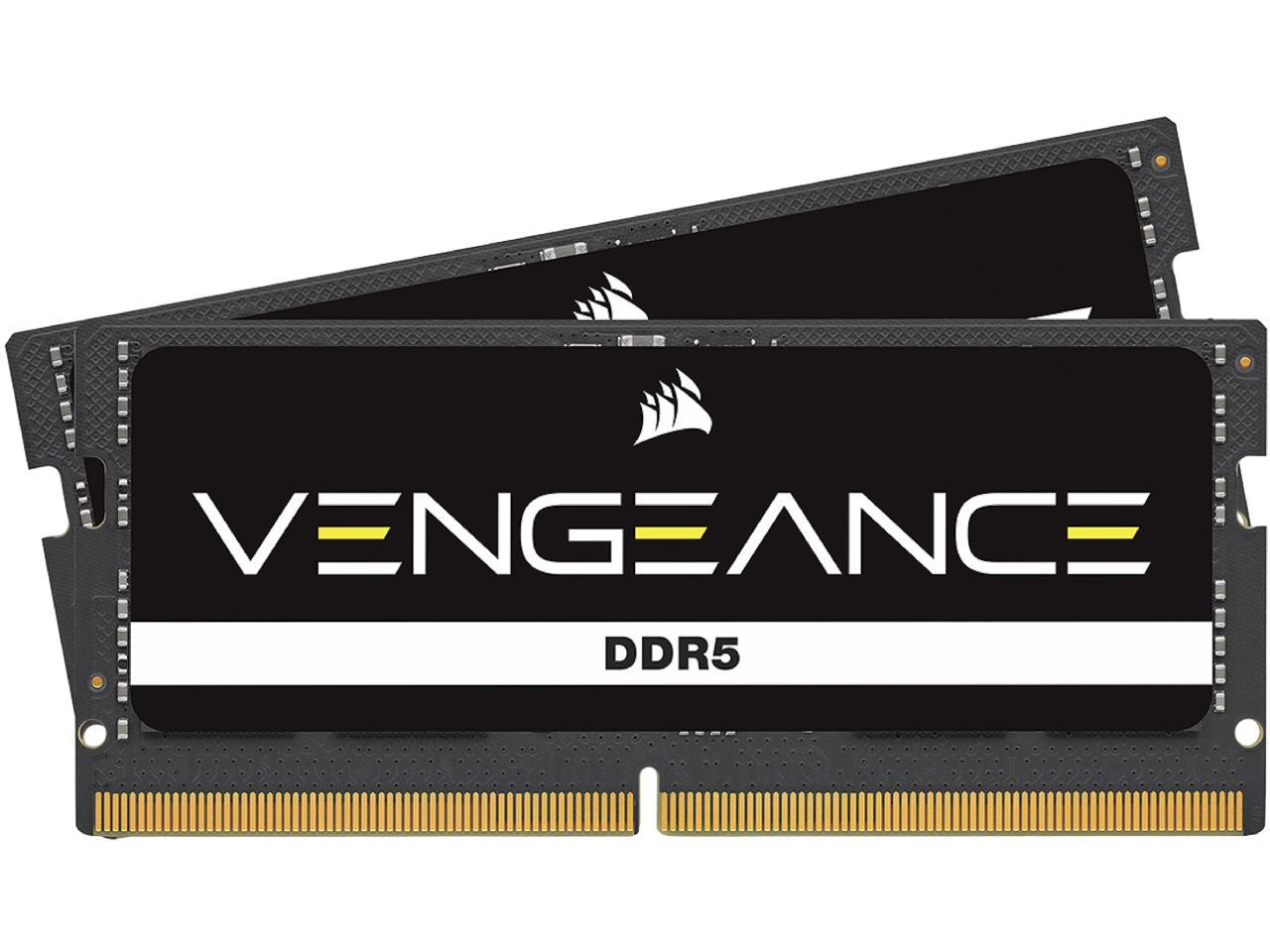
Corsair’s Vengeance line of DDR5 SO-DIMM laptop memory kits provide blisteringly fast speeds and responsiveness for Dell’s high-end Inspiron models like the Inspiron 16 Plus. I recently upgraded to 32GB of Vengeance DDR5 RAM and it has transformed the performance of my Inspiron 16 Plus.
The Vengeance DDR5 RAM I chose clocks at an incredible 5200MHz speed with decent CL38 latencies. This is a massive upgrade over the stock DDR5 RAM. Everything from booting up Windows to launching games and creative apps feels super snappy now. Multitasking is amazingly smooth, even with dozens of tabs open.
Corsair’s RAM installation was simple with the plug-and-play design. And the stylish aluminum heat spreaders help maintain stable temperatures while adding a touch of class. For serious work or intense gaming, the Vengeance DDR5 RAM enables the Inspiron to deliver desktop-like performance.
With Corsair’s limited lifetime warranty and rigorous reliability testing, you can trust this high-performance RAM. If you want the best possible speeds and responsiveness from your DDR5-equipped Inspiron, Corsair’s Vengeance RAM is highly recommended and well worth the investment.
Features:
- Upgrade Your DDR5 Gaming or Performance Laptop
- Compatible with Nearly Any Intel and AMD System
- Easy Installation
- Maximum Speed Boost
- Rigorously Tested Reliability
G.Skill Ripjaws DDR5 Laptop Memory – Check Price at Amazon/Newegg
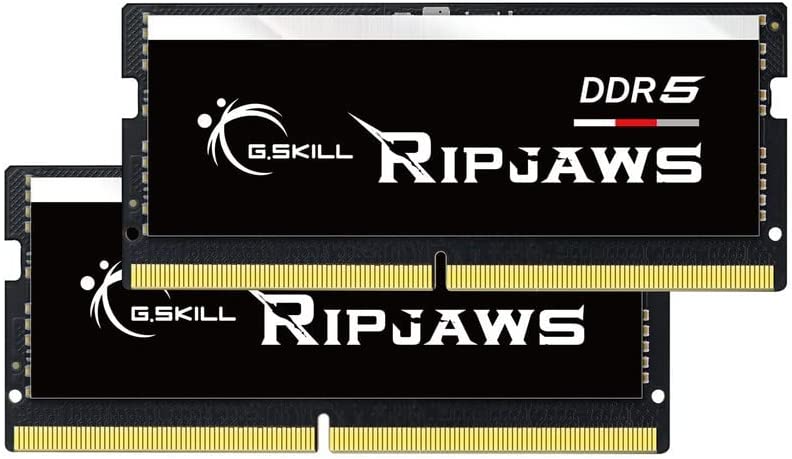
G.Skill’s Ripjaws DDR5 laptop memory delivers lightning-fast speeds and responsiveness to high-end Dell Inspiron laptops like the Inspiron 16 Plus. I recently upgraded to 32GB of Ripjaws DDR5 on my Inspiron 16 and have been blown away by the performance.
This RAM from G.Skill clocks at an insanely fast 6000MHz with optimized CL36 latency. Everything from Windows boot to loading games and apps is drastically faster. Multitasking and productivity work like video editing is also buttery smooth now, even under heavy workloads.
Installation was simple thanks to the plug-and-play functionality. The sleek black heat spreaders help keep temperatures cool while complementing Inspiron’s design. And with G.Skill’s limited lifetime warranty, you can upgrade worry-free.
Overall, if you need the absolute best DDR5 performance from your Inspiron, I highly recommend the G.Skill Ripjaws RAM. The speed boost is incredible. For serious gaming, creative work, programming and more, this RAM helps Inspiron laptops achieve desktop-caliber speeds and responsiveness. It’s an investment, but well worth it for top-tier performance.
Features:
- Extraordinary Performance and Reliability
- Intel XMP Support
- Limited Lifetime Warranty
Crucial RAM DDR5 Laptop Memory – Check Price at Amazon/B&H Photo Video/Newegg
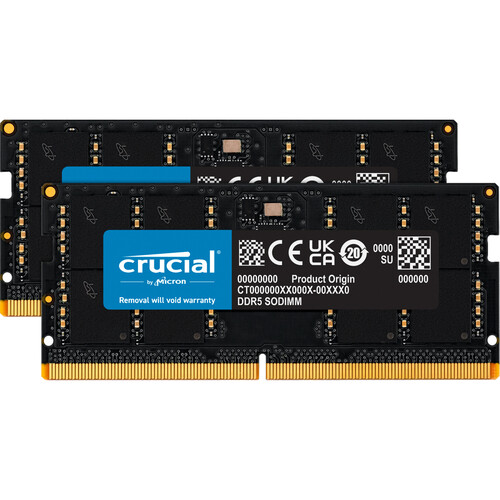
Crucial’s DDR5 SO-DIMM laptop memory modules provide a solid performance upgrade for Dell’s newest Inspiron laptops. I recently installed a 16GB DDR5 stick in my Inspiron 16 Plus and have been impressed with the improvements in speed and responsiveness.
This RAM from Crucial clocks at 4800MHz with CL40 latency out of the box. That’s a great boost over the stock DDR5 RAM. Booting into Windows feels much quicker now. Load times for games and demanding creative apps like Photoshop are also noticeably reduced. Multitasking feels very smooth, even with heavy workloads.
Installing Crucial’s RAM took just seconds with the hassle-free plug-and-play design. The Inspiron recognized and configured the new RAM automatically without any BIOS tweaking needed. And thanks to the low-profile design, it fits perfectly even in thinner Inspiron models.
For an affordable but reliable DDR5 upgrade that delivers tangible real-world speed improvements, Crucial’s laptop memory is a great choice. While not the fastest RAM available, it strikes a nice balance between price and performance. Backed by Crucial’s limited lifetime warranty, it’s easy to recommend for Inspiron users wanting to upgrade.
Features:
- Empower your next-generation, multi-core CPU on the go
- Extreme performance right out-of-the-box
- No latency downsides with DDR5
- Optimized power efficiency
Conclusion:
Upgrading to faster, higher capacity RAM is one of the best ways to boost your Dell Inspiron laptop’s performance. The latest Inspiron 14, 15 and 16 models support up to 32GB of DDR4 or DDR5 RAM depending on the configuration.
For DDR4 models, Crucial, G.Skill, TeamGroup, and Kingston offer reliable and affordable RAM options that provide noticeable speed and responsiveness gains. On the DDR5 side, Corsair, G.Skill, and Crucial deliver excellent high-speed performance for demanding workflows.
Matching the correct RAM generation and specs for your specific Inspiron ensures full compatibility. Aim for 16GB or 32GB capacities and the fastest speeds supported. With easy plug-and-play installation, users of all tech levels can upgrade their Inspiron’s RAM. The investment pays off with much smoother multitasking, quicker load times, and an overall snappier system.